 Available
Playtomic booking and player connection
Bring each venue’s Playtomic players and bookings into the same operational view as CRM, coaches, courses and tournaments.
Revenue and booking intelligence
Connect bookings to operational player context
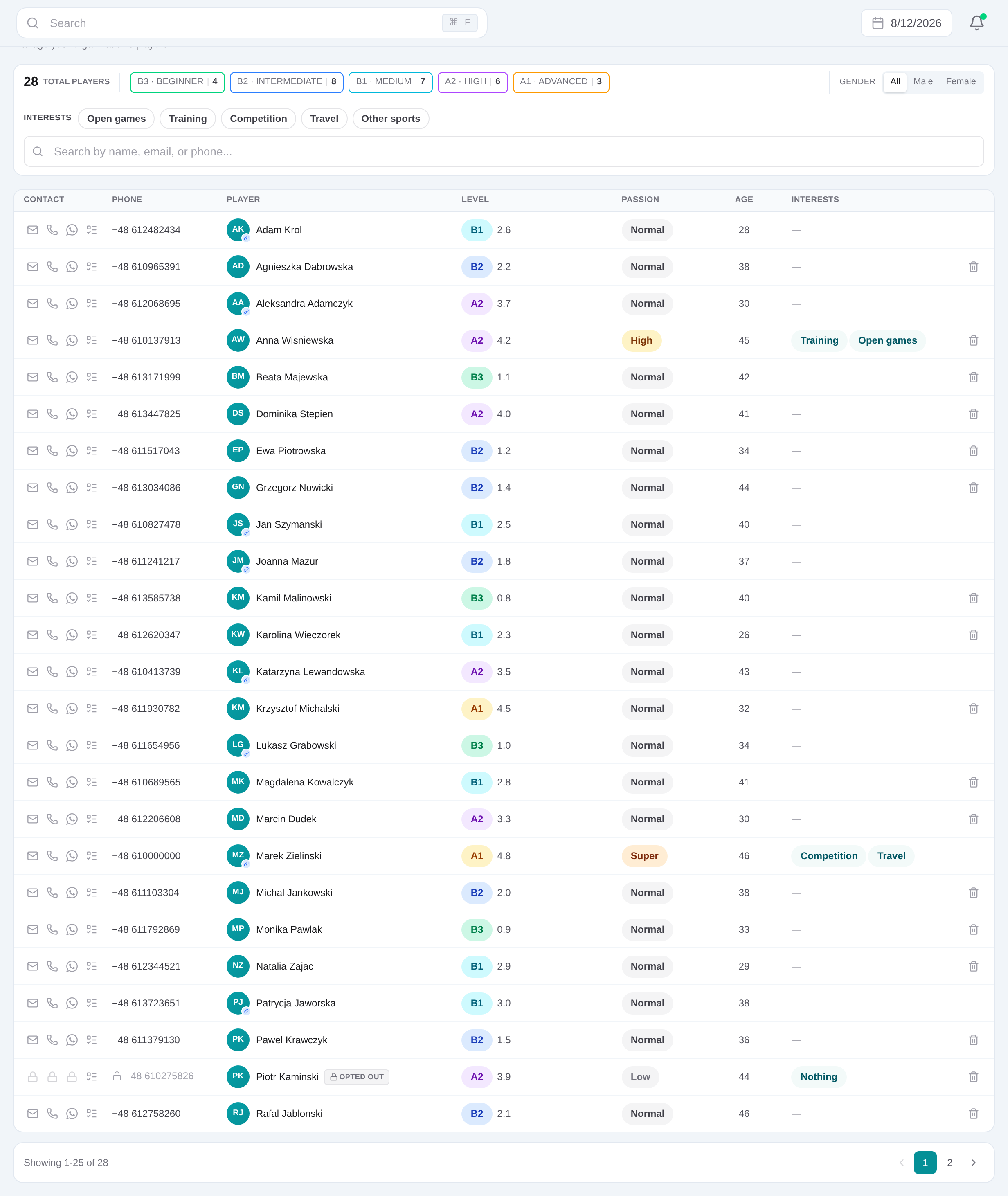
Scheduled imports keep a searchable booking list with date, club, court, type, status, coach, participants and payment details. Known Playtomic participants link to their CRM profile; staff can filter the list, export matching rows to CSV, sync venue players and retrieve tournament bookings by club and date.
2. Read player and booking data without writing back
3. Use linked CRM players and booking details in Backclub workflows
Read paginated venue bookings from the official Playtomic API
Sync venue players and connect existing CRM records by Playtomic ID
Filter bookings by date, club, coach, player, type or status, then export the result to CSV
01
How to prepare a working connection
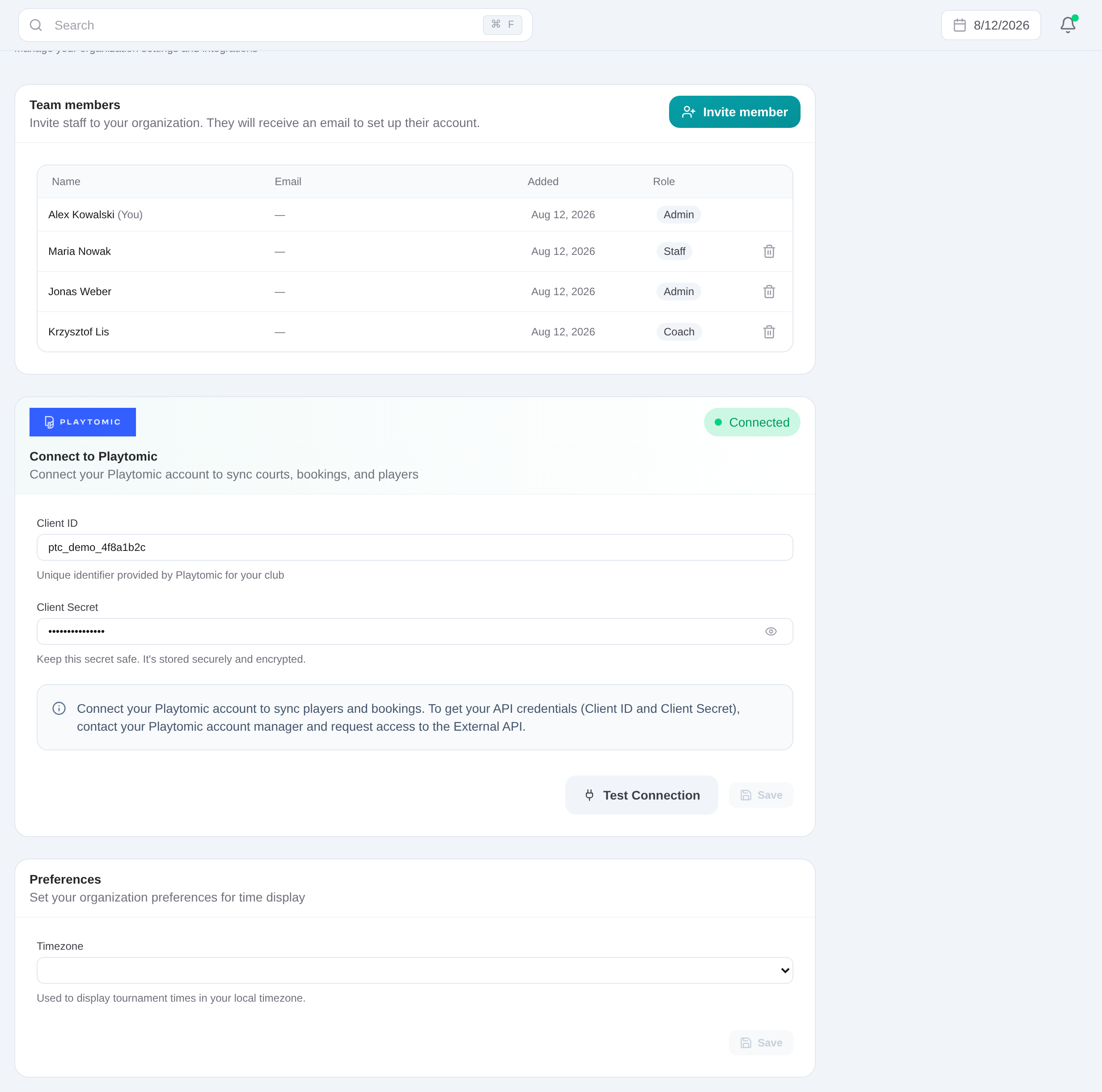
Open Dashboard → Clubs → the club. Save that venue’s Playtomic Client ID, Client Secret and tenant ID, then run Test connection. Repeat for every venue that should participate.
Sync from Playtomic
Sync venue players and connect existing CRM records by Playtomic ID
Booking review
Read paginated venue bookings from the official Playtomic API

Keep the integration boundary explicit
Backclub reads data available through your club credentials. It does not reserve courts, write bookings back to Playtomic or promise real-time synchronization. The Bookings dashboard is a scheduled operational mirror, with missing and cancelled states kept visible.
Backclub does not create charges, reserve Playtomic courts or write bookings back to Playtomic. Stripe processes the payment; Backclub receives signed events, connects them to players and makes the outcomes operationally visible.
Frequently asked questions
Playtomic booking and player connection
Bring each venue’s Playtomic players and bookings into the same operational view as CRM, coaches, courses and tournaments.
Get started